April 1, 2026
·OpenEphemeris Team
Turn Claude into a Master Astrologer (No Code Required)
Connect OpenEphemeris to Claude in five minutes. Get a real birth chart — planetary degrees, house placements, and transits calculated from NASA JPL data, not AI guesswork.
There is a problem with asking AI assistants about astrology.
They sound authoritative. They use the right words — Mercury in retrograde, Saturn return, your rising sign. But the actual numbers? The planetary degrees, the house placements, the exact dates? Often invented. Polished-sounding nonsense dressed up as your cosmic blueprint.
This is not a critique of Claude or any other AI. It is a physics problem. Language models are trained on text. They are not connected to the solar system. When you ask where Jupiter was at the moment of your birth, they make their best guess — and a best guess about planetary position is, charitably, fiction.
There is a fix. And it takes five minutes.
What OpenEphemeris Does
OpenEphemeris is an astronomical calculation engine. It uses the same ephemeris files that NASA uses — the Jet Propulsion Laboratory's DE440 — to compute precisely where every planet, asteroid, and celestial body was at any moment in time, for any location on Earth.
It does not guess. It calculates.
When you connect OpenEphemeris to Claude via an MCP server, Claude stops guessing and starts doing real astronomy. You ask for your natal chart and Claude queries the engine, receives precise planetary positions down to the arcminute, and interprets them for you.
The difference is immediate. Before: "Jupiter is often associated with expansion and may have been in a sign that emphasizes optimism at your birth." After: "Jupiter was at 24°17' Aries in your 9th house at birth, forming a trine to your natal Sun."
Same AI. Different engine underneath it.
What You Can Ask Once It's Connected
Here is a sample of what becomes possible:
- "Calculate my full natal chart. I was born July 15, 1987 at 9:01 AM in Dallas, Texas."
- "What planetary transits am I experiencing right now? Which ones are most significant?"
- "Generate my Human Design chart and explain my type, strategy, and authority."
- "Where is my Venus line? I want to understand my astrocartography."
- "Find the best electional window for signing a contract in the next 30 days."
- "What is the current moon phase and when does it go void of course?"
- "Calculate a synastry chart between me and someone born March 3, 1990 in London."
- "What is my Chinese BaZi (Four Pillars) chart?"
- "Generate my Vedic (sidereal) natal chart."
- "Find all Saturn transits to my natal planets in the next six months."
These are not approximations. Every response is backed by real astronomical calculation.
How to Set It Up (Five Minutes, No Code)
You will need Claude Desktop installed on your Mac or Windows computer. The free version works.
Step 1: Get a free API key
Go to openephemeris.com and sign up for the free Explorer tier. No credit card required. You will receive an API key — a string that looks something like opene-abc123.... Copy it.
Step 2: Open your Claude Desktop config file
On Mac, open Terminal and run:
open ~/Library/Application\ Support/Claude/
On Windows, navigate to:
%APPDATA%\Claude\
You are looking for a file called claude_desktop_config.json. If it does not exist, create it.
Step 3: Paste in this configuration
Open the file in any text editor and paste the following, replacing YOUR_API_KEY_HERE with the key you copied:
{
  "mcpServers": {
    "openephemeris": {
      "command": "npx",
      "args": ["-y", "@openephemeris/mcp-server"],
      "env": {
        "OPENEPHEMERIS_API_KEY": "YOUR_API_KEY_HERE"
      }
    }
  }
}
Save the file.
Step 4: Restart Claude Desktop
Quit Claude completely (from the menu bar, not just closing the window) and reopen it.
Step 5: Test it
Type: "What is the current moon phase?"
If Claude responds with a specific phase name and illumination percentage — not a general explanation of what moon phases are — it is working.
What the Free Tier Includes
The free Explorer tier gives you a one-time grant of 150 calculation credits. Here is what that means in practice:
- A full natal chart costs 1 credit
- A Human Design chart costs 2 credits
- A transit forecast costs 5 credits
- The current moon phase costs 1 credit
For personal use — checking transits, running charts for friends and family, exploring your Human Design — 150 one-time credits go a long way, and you can top up any time (credits never expire).
A Note on What Claude Is Doing
When you ask Claude about your chart, two things are happening. First, OpenEphemeris calculates the precise astronomical positions and sends them to Claude. Second, Claude interprets that data — drawing on its training in astrological tradition, symbolism, and synthesis.
The calculation is deterministic. The interpretation is Claude's.
This is actually the right division of labor. We calculate the degrees behind the destiny. Claude finds the meaning in them. Neither alone produces what the combination does — the mathematical precision of an astronomical engine paired with the interpretive intelligence of one of the most capable language models available.
Your Free Birth Chart
Once Claude is connected, getting your birth chart is one question:
"Calculate my full natal chart. I was born [date] at [time] in [city, country]."
A few things that make this genuinely useful rather than a novelty:
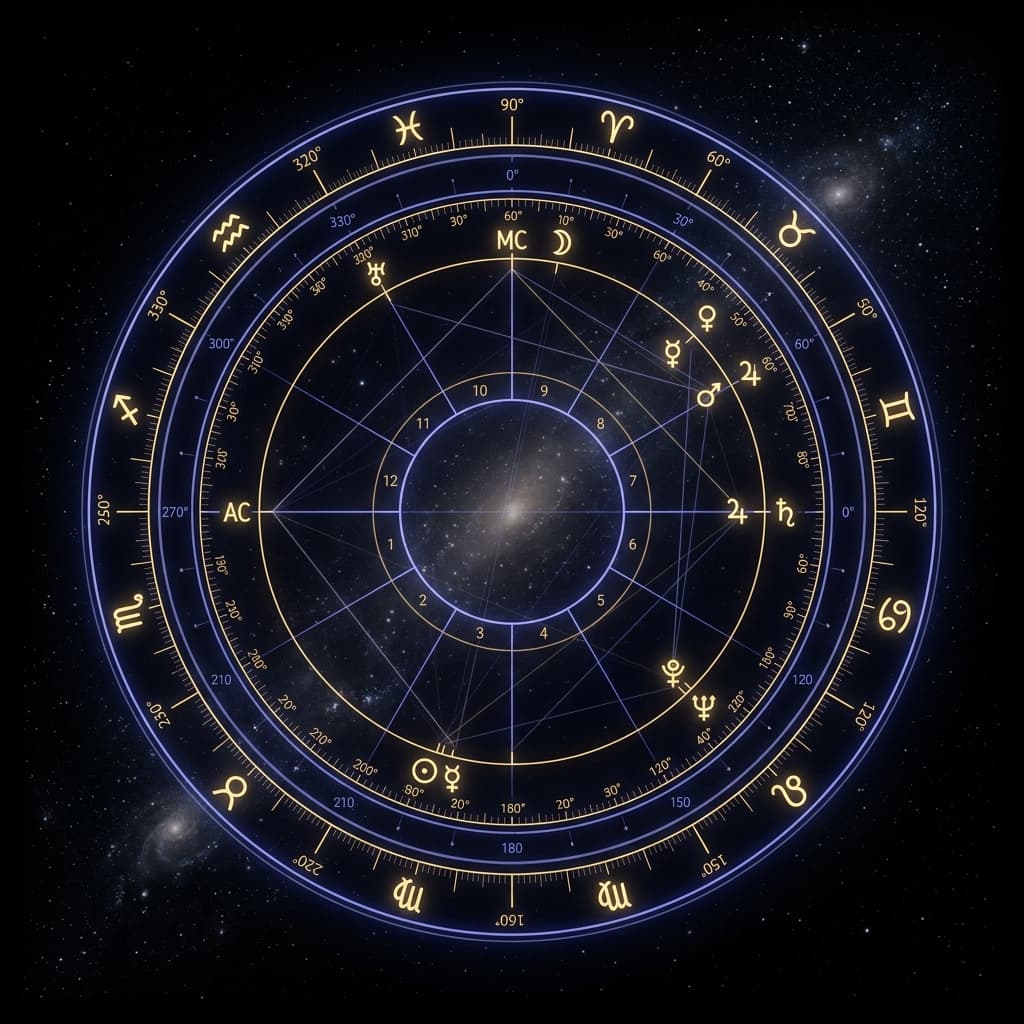
It is calculated, not looked up. Your birth chart is not stored in a database somewhere. OpenEphemeris computes it fresh from your exact birth data using NASA JPL ephemeris files. The degree and minute of each planet is calculated for your specific moment — not approximated from a lookup table.
Birth time matters. The more precise your birth time, the more accurate your rising sign and house placements. If you only know the date, Claude will note which placements are uncertain. If you know the time to the minute, everything resolves precisely.
You can ask follow-up questions. Unlike a static chart printout, Claude can explain what it is showing you. Ask what a specific placement means. Ask which transits are active right now. Ask what your Saturn return looked like and when it was. The chart is a starting point for a conversation, not a PDF you download and forget.
It is free. One natal chart, one credit. The Explorer tier gives you 150 to start.
For most people, the natal chart → current transits → Human Design sequence covers everything they want to explore in a session. Ten credits, total.
Going Further
Once the basics are working, some things worth exploring:
Astrocartography — Ask Claude to find your power lines for a specific country or city. Astrocartography has traditionally required expensive specialist software. With OpenEphemeris connected, it is a natural language request — which means the calculation engine can tell you, in precise geodetic terms, where in the world your Jupiter lines fall.
Electional astrology — Ask Claude to find an auspicious window for something specific: starting a business, launching a product, signing a contract. The engine searches for planetary configurations matching your criteria across any date range you specify.
Relationship charts — Synastry (comparing two natal charts overlay) and composite charts (blending them into a single chart representing the relationship itself) are both available. Give Claude both birth dates and locations.
Human Design deep dives — Ask for your full bodygraph, your defined and undefined centers, your channels, your incarnation cross, and what any of it means. Human Design charts require birth-precision timing to calculate correctly — which is exactly what OpenEphemeris provides.
The free tier is at openephemeris.com. Setup takes five minutes. The results are worth it.